Atelia
Everything Atelia can do
From your first idea to your sample, for your brand or your group.
01
Design assistant
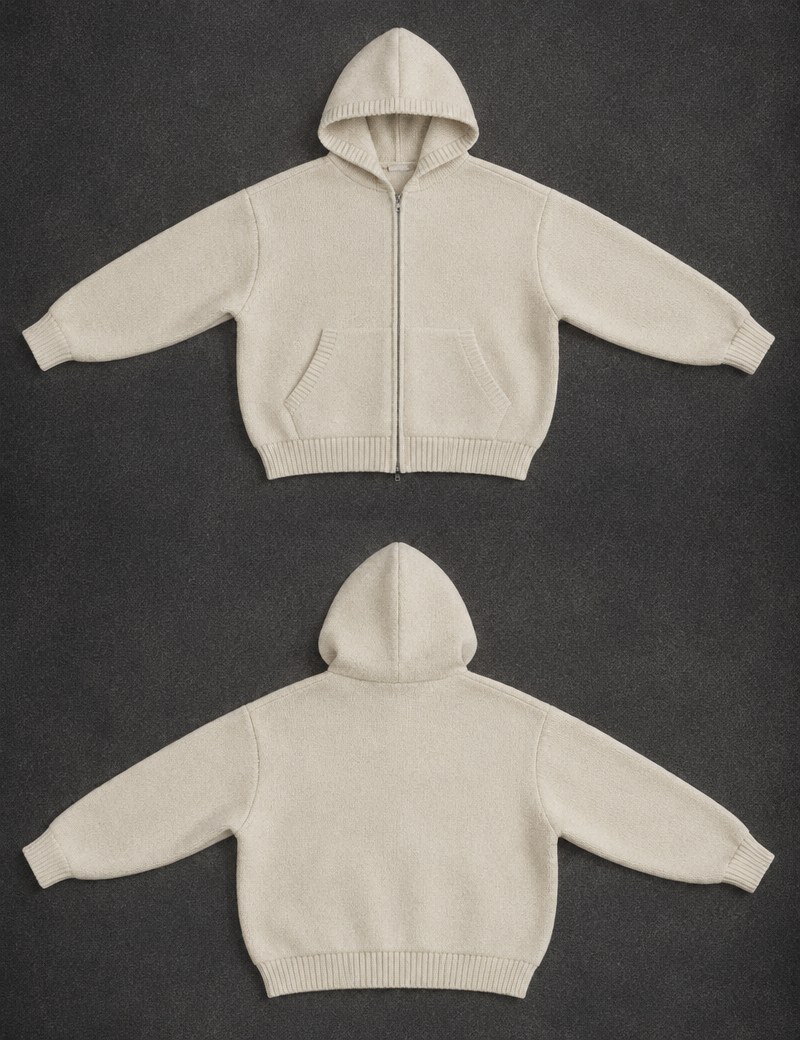
Describe your garment in a chat and AI draws it front and back. Refine it with a sentence; every version stays in the conversation.
02
Inspiration photo
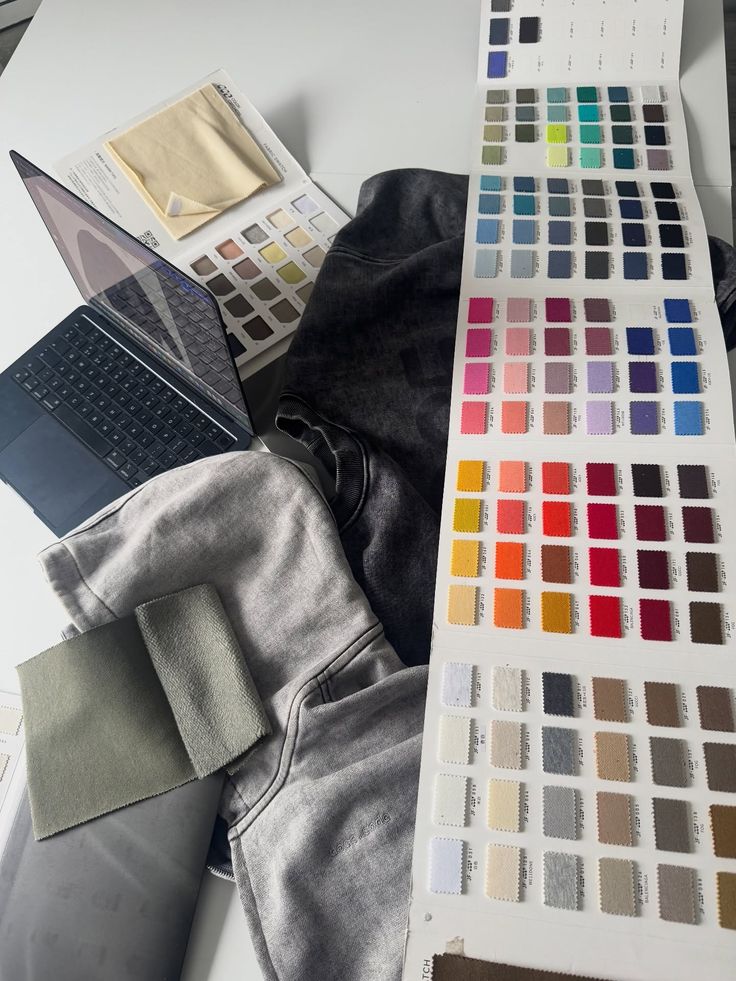
Add a photo from Instagram or Pinterest, change the colour or add your logo. AI turns it into your own design.
03
NewVirtual try-on
Add a photo of yourself and see your design on you in seconds, before it is made.
Explore →04
Factory-ready tech packs
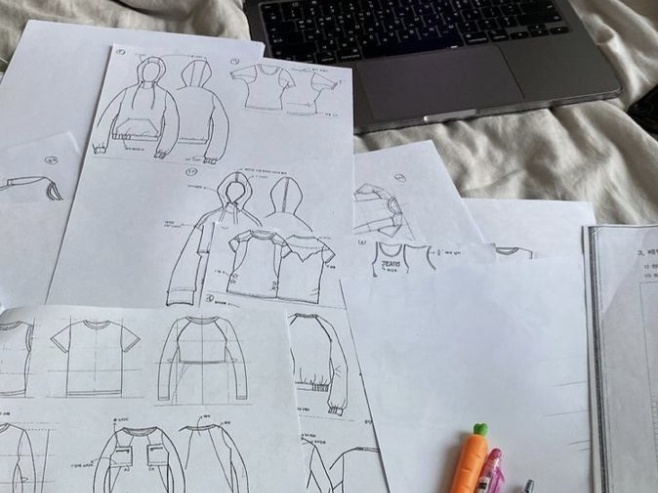
Measurements by size, fabrics, colours, construction, logos and labels, in a PDF ready to send to a factory.
05
Factory directory and messaging
Explore partner factories and their minimums. Send your tech pack with a tap and chat directly in the app.
06
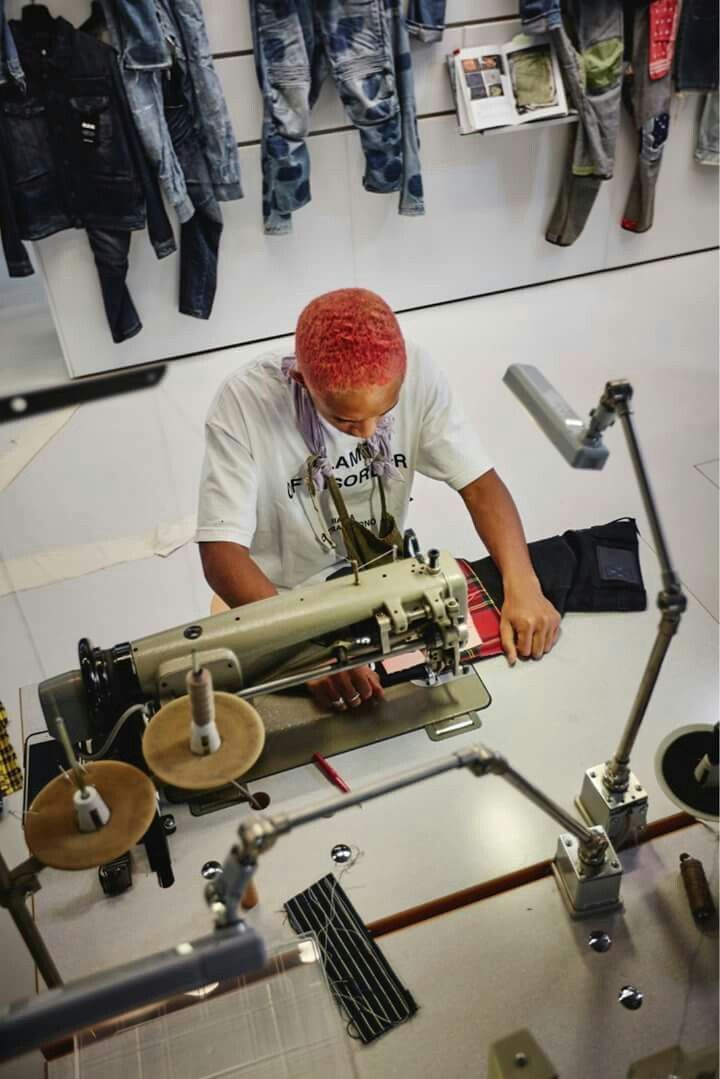
Samples and orders
Complete your sample order, pay in the app and follow its progress.
07
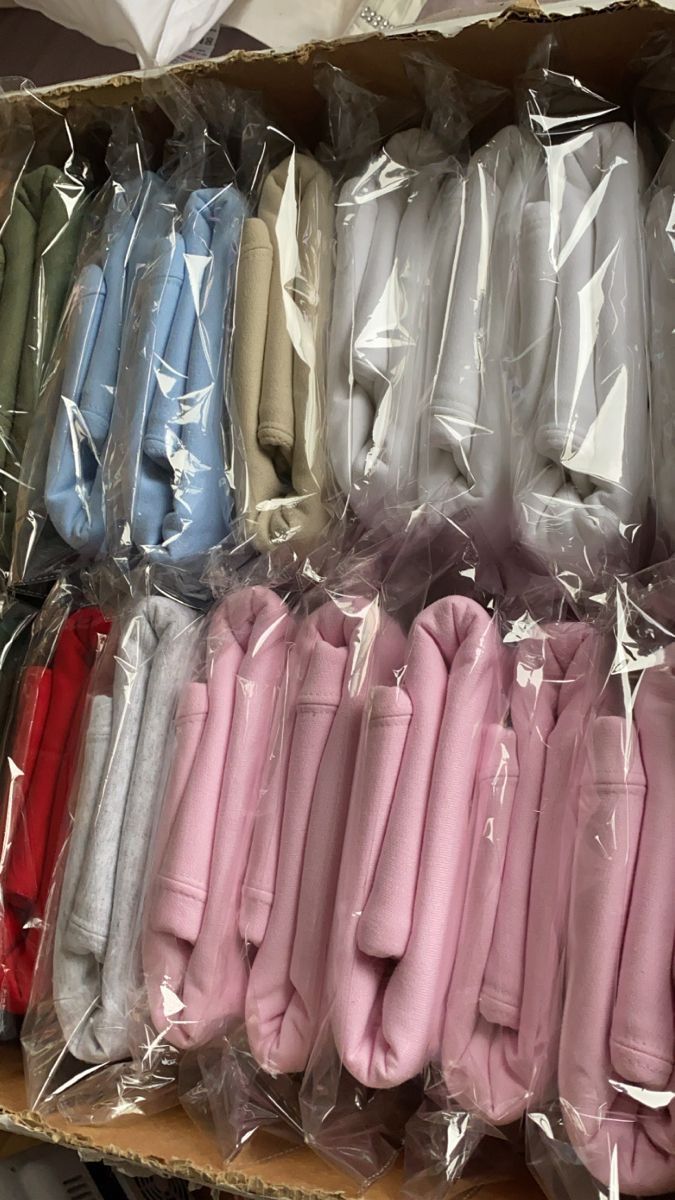
NewGroup merch
Share a design with your class, club or company. Everyone tries it on their photo, votes and picks a size.
Explore →08
NewWeekly challenge
A theme every Monday. Create your design, let the community vote and win credits if you finish in the top three.
Explore →09
Your progress
The ‘Your brand in 5 steps’ card in the app shows you what to do next.
Your brand in 5 steps
Create your design
Describe your idea or add an inspiration photo. AI draws your garment, front and back. Refine it with a sentence.
Generate your tech pack
Measurements, fabrics, finishes and labels: everything a factory needs to quote your garment.
Try it on yourself
One photo of you, and you can see your garment on before it exists.
Send it to a factory
Choose a partner factory, send your tech pack with a tap and chat with them in the app.
Receive your sample
Order and pay for your sample in the app, approve it, then start production.
Frequently asked questions
How does virtual try-on work?
Open your design and tap ‘Try on me’. Add a front-facing full-body or half-body photo of yourself. Your garment appears on your photo, ready to save or share. Each try-on costs 1 credit. The final result may vary.
What happens to my photo after a try-on?
Your photo is sent to OpenAI only to create the image. Atelia does not store it. The provider may keep it for up to 30 days to prevent abuse, then deletes it, and does not use it to train its models. Only add photos of yourself.
How do I create merch for my group?
Create your design and share the link. Everyone tries it on, votes and chooses a size; you receive a quote.
What is the weekly challenge?
A new theme every Monday, community votes, and 10, 5 and 3 credits for the top three.